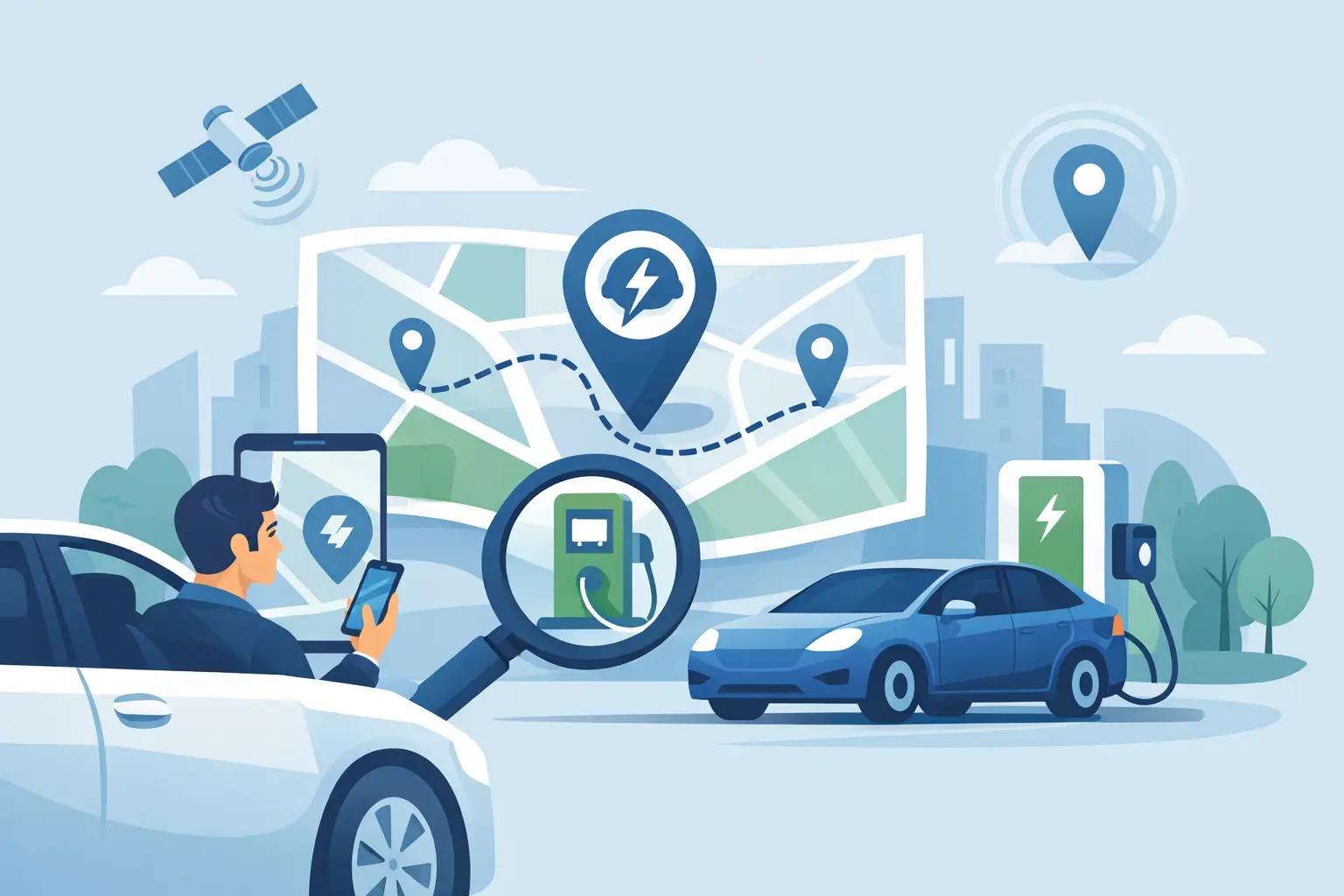
You notice it when the battery drops faster than expected - cold weather, highway speed, one extra errand, or a charger you planned to use is suddenly occupied. That’s usually when people search how to find closest EV charger, and it’s also when bad app design wastes the most time. What you need in that moment is simple: the nearest charger that actually works for your car, at a price you can live with, without opening five different network apps.
How to find closest EV charger without wasting time
The fastest method is to filter for three things in this order: distance, connector compatibility, and charging speed. Price matters too, but only after you know the station is actually reachable and useful.
A lot of drivers get stuck because they start with brand names instead of charger facts. If you open a single-network app first, you’re only seeing part of the map. That can make a farther station look like your best option when a closer or cheaper charger exists on another network. If your goal is to get charged and keep moving, aggregator search is the practical choice.
Start with your current location and sort by nearest. Then narrow the results to the plug your vehicle accepts, such as CCS, NACS, J1772, or CHAdeMO if you drive an older compatible model. After that, check speed. A nearby Level 2 charger may be fine if you’re parked for dinner or work. It’s the wrong answer if you need to get back on the highway in 20 minutes.
That sounds obvious, but it’s where many searches go wrong. “Closest” does not always mean “best.” The real target is the closest charger that fits your car, your schedule, and your budget.
The 5 checks that matter before you drive there
Distance is first, but it should never be the only thing you look at. A charger two miles away is not useful if it has the wrong connector or is much slower than you need.
Compatibility comes next. Your EV can only use certain connectors, and adapters change the equation for some drivers but not all. If you own a Tesla with broad adapter support, your options may be wider than those of a non-Tesla driver without access to the same hardware. If you’re newer to EVs, this is the easiest mistake to avoid: never head to a station before confirming the plug type.
Charging speed is the third check. A 350 kW label looks great, but your vehicle may only accept 75 kW, 150 kW, or something in between. On the flip side, a 50 kW DC fast charger might be perfectly acceptable if it’s close, available, and cheap. Fastest on paper is not always fastest in real life.
Price is fourth because charging cost can vary more than most drivers expect. Some stations bill by kilowatt-hour, some by time, some add parking fees, and some have pricing that changes by location or session terms. This is where side-by-side comparison matters. If two stations are similarly close, cost can be the tie-breaker that saves real money over time.
Availability and reliability are the fifth check. A charger might be nearby, cheap, and compatible, but if the site has one working stall and a line of cars, it’s not your best option. Live station data helps, but even live data has limits. Status can change by the minute. Treat “available now” as helpful, not guaranteed.
Why single-network apps often give a bad answer
Network-owned apps are built to serve their network first. That makes sense for them. It doesn’t always make sense for you.
If you only search inside one network, you’re not really finding the closest EV charger. You’re finding the closest charger owned by that company. Those are different things. The nearest useful charger might belong to a competitor, cost less, or offer better power.
This is where an all-network view has a clear advantage. It reduces the chance that you drive past a better option just because it lives outside the app you opened first. For drivers who care about speed and price, cross-network comparison is not a luxury feature. It’s the whole job.
There’s also the friction problem. Too many charging apps assume you want to create an account, turn on persistent tracking, store payment methods, and learn a different interface for each network. That’s fine if you’re loyal to one brand. It’s inefficient if you just need power right now.
A cleaner approach is one search view, live station data, useful filters, and no nonsense. That’s why apps like WattsNear resonate with drivers who want proximity and cost upfront, not a sales funnel.
How to find closest EV charger on iPhone and CarPlay
If you use iPhone, speed matters more than feature overload. The best workflow is simple enough to use in motion-safe moments and clear enough to trust at a glance.
On iPhone, start with nearby results based on your current location. Sort by distance first. Then apply the connector filter your vehicle needs and, if the app supports it, a speed filter that matches the kind of stop you’re making. If you’re trying to top up quickly, focus on DC fast charging. If the car will sit for a while, Level 2 may be the smarter and cheaper option.
On CarPlay, the value is even more obvious. You don’t want to tap through layers of menus while parked on the shoulder of a busy travel day. You want a short list of nearby stations with distance, likely price, and charging details that make sense immediately. Large buttons, less clutter, and faster sorting beat feature bloat every time.
That same principle applies to privacy. A charger search app does not need to know everything about you to show nearby stations. No account and no tracking is not just a nice privacy message. It removes friction when time matters.
Closest can be wrong if the charger is expensive
There are moments when the nearest station is absolutely the right call. If you’re low enough on range that your choices are limited, take the safe option and charge. But if you have some buffer, spending 30 extra seconds to compare prices can pay off quickly.
Public charging prices are inconsistent across networks and even across stations on the same network. One nearby fast charger may cost noticeably more than another a few minutes farther away. Over a road trip, or over a month of apartment living without home charging, that difference adds up.
There’s also the time-cost trade-off. A cheaper charger that is slower or harder to access may not actually be the better value. If one station is two miles closer and much faster, paying a little more can still be the rational choice. Smart charger search is not about chasing the lowest posted number. It’s about balancing distance, speed, and cost based on the stop you’re making.
The most common mistakes drivers make
The first mistake is assuming map proximity equals convenience. It doesn’t. A charger in a paid garage, behind a hotel gate, or on a dealership lot after hours can be less useful than one slightly farther away with easy public access.
The second mistake is trusting old or incomplete station info. Public charging data changes. New stations open, pricing changes, and status changes throughout the day. Live data is not perfect, but stale data is worse.
The third mistake is ignoring the economics of the stop. If you only ever choose the nearest charger, you may be overpaying without realizing it. If you only ever choose the cheapest charger, you may waste time driving farther or charging slower than necessary.
The fourth mistake is accepting app friction as normal. It isn’t. Charger discovery should not require a stack of logins and network-specific workarounds just to answer a basic question.
What a good charger search should actually do
A useful charger finder should show every major network in one place, sort by nearest station, surface real pricing when available, and make connector and speed filters obvious. It should work quickly on iPhone, feel natural in CarPlay, and respect the fact that your location and charging habits are your business.
That’s the standard drivers should expect now. Not more branding. Not more tabs. Just the information that helps you make a better charging decision in less time.
When you need a charge, the best tool is the one that gets out of your way. Find the nearest station that fits your car, compare the real cost if you have options, and keep moving.