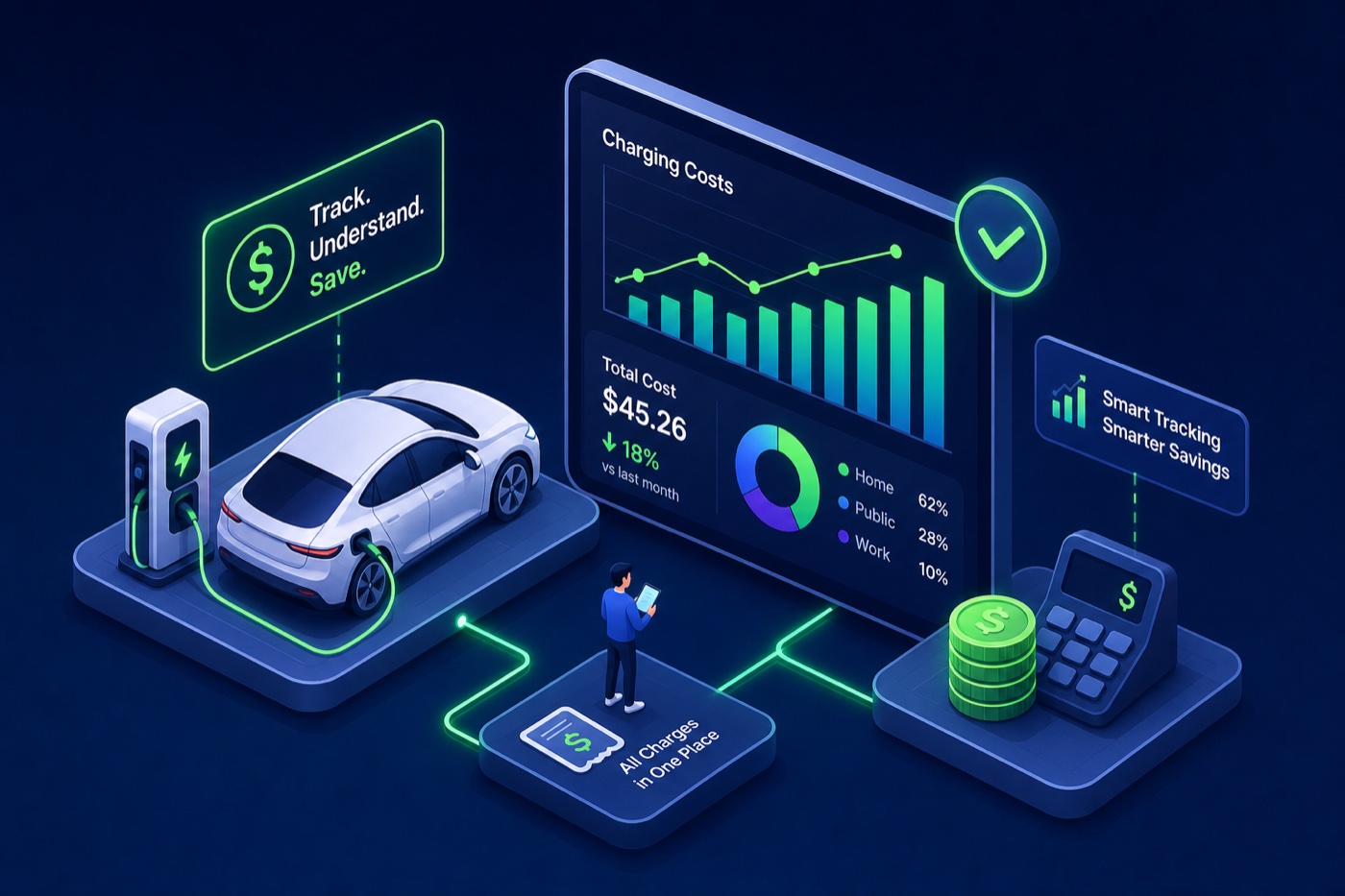
If you want to track your electric car charging costs accurately, you need more than a gut feeling about your monthly bill. EV drivers love talking about escaping the gas pump, the math feels obvious: no more $60 fill-ups, no more watching the price per gallon tick up on the way to work. But here’s the thing many people don’t want to admit: a surprising number of EV owners have no real idea what they actually pay per charge. The number flashes on a public charger screen and disappears. The home electric bill blends charging into a lump sum with the fridge and the air conditioner. The result is a monthly “feels cheaper” that almost nobody has actually verified.
This guide covers three concrete ways to track electric car charging costs, from a basic spreadsheet to app-based session logs, and shows you how to turn that raw data into decisions that actually save money. No subscription, no complicated setup, just a method that actually sticks.
Why most EV drivers have no idea what they’re really paying
With a gas car, your cost is visible and contained. One transaction, one number, one place. With an EV, your charging costs are scattered across your home utility bill, receipts from three different public charging network apps, and whatever your car’s dashboard estimates. None of these sources talk to each other. So you end up with a fuzzy monthly feel instead of a real number.
The bigger issue is that many drivers mix home and public charging without tracking the split, and those two costs look nothing alike.
The public-vs-home price gap that catches people off guard
Home charging in the US averages around $0.17–$0.18 per kWh in 2026. Public DC fast chargers run $0.35–$0.48 per kWh on most networks, which is roughly 2–3× more. In states like Idaho, the public premium is closer to 3×. That gap has a real dollar impact: filling a 72 kWh battery at home costs about $13. The same charge at a DC fast charger costs $25–$35, plus potential session start fees (EVgo charges $2.99 for credit card starts) and idle fees (Electrify America charges $0.40 per minute after a 10-minute grace period).
Most drivers who split their charging between home and public are paying more than they think — they just haven’t done the math yet.
The $/mile number that actually tells you something useful
Cost per session is noisy. Cost per mile is the number that puts everything in context. The formula is simple: divide your vehicle’s kWh per 100 miles by 100, then multiply by your price per kWh. A Tesla Model 3 uses about 25 kWh per 100 miles. At home ($0.17/kWh), that’s about 4 cents per mile. At a public DC fast charger ($0.42/kWh), it jumps to 10–11 cents per mile. A Chevy Equinox EV at 27 kWh/100 mi works out similarly: roughly 4.3 cents per mile at home, 6.8 cents at a blended public rate.
For comparison: a 25 MPG gas car at $3.50 per gallon costs 14 cents per mile. Even drivers who rely heavily on public chargers are often paying meaningfully less than that, but you don’t actually know your number until you track it.
How to track electric car charging costs: the manual log method
A spreadsheet or even a notes app works better than most people expect. The habit matters more than the tool. Capture five specific data points after every charge and you’ll have everything you need to calculate both $/kWh and $/mile within a few weeks of starting.
The five fields every charging session log needs
Keep it simple. Every session needs: date, location (station name or “home”), kWh added, total cost paid, and miles driven since the last charge. The kWh added tells you efficiency; the location field lets you spot which stations are consistently expensive; the cost paid is the ground truth that no estimate or display can replace. Miles driven since last charge gives you the raw material for $/mile math.
In Google Sheets or Excel, add two formula columns: cost divided by kWh for $/kWh per session, and cost divided by miles for $/mile. Flag sessions as “home” or “public” in a separate column. After a month, sort by cost per kWh and the expensive sessions surface immediately.
How to calculate $/kWh and $/mile from your raw numbers
Here’s a real example using two popular EVs. A Tesla Model Y session: 45 kWh added, $18.90 paid, 160 miles driven since the last charge. That’s $0.42/kWh and about 11.8 cents per mile — clearly a public DC fast session. A Chevy Equinox EV home session: 38 kWh added, $6.84 paid, 140 miles driven. That’s $0.18/kWh and 4.9 cents per mile. Two sessions, two completely different cost profiles. Separating home from public in the spreadsheet makes this split obvious at a glance.
App-based tracking: let technology do the logging
Not everyone wants to run a spreadsheet. Several apps already capture session data automatically. The catch is that most network apps only track sessions on their own chargers, which creates fragmented history for anyone who uses more than one network. For drivers juggling multiple networks, that fragmentation means you often can’t see your total electric car charging expenses in one place, though some third-party tools and network web dashboards do offer export options worth exploring.
What the major charging network apps actually log
ChargePoint, EVgo, and Electrify America all store session history including kWh delivered, cost, and timestamps. ChargePoint has the most complete export option: log in at chargepoint.com, go to Reports, and download their reports export to get a CSV with your full session history. EVgo and Electrify America offer per-session receipts via the app and CSV exports through their web dashboards. The limitation is straightforward: if you charge at ChargePoint on Monday and Electrify America on Thursday, your history lives in two separate apps with two separate logins.
WattsNear’s session log: one place, no account required
This is where WattsNear’s built-in session log changes the workflow for iPhone users. Every time you charge, anywhere, you can log the session directly in the app: cost paid, kWh added, location. No account to create, no subscription to manage. The log syncs across Apple devices via iCloud. Unlike network apps that only capture sessions on their own chargers, this approach works for every charge regardless of the network — home Level 2, public Level 2, or DC fast.
For EV drivers who already use WattsNear to find and compare stations by price, the session log turns one app into a complete charging expense tracker. You find the station, you charge, you log it. Everything stays in one place, and because WattsNear shows you price per kWh before you plug in, you can compare what you expected to pay against what you actually paid.
Reading your data to cut costs, not just collect them
Tracking data is only valuable if you act on it. After a few weeks of consistent logging, some clear patterns usually surface: stations that cost more than their alternatives, home charging that isn’t happening during off-peak windows, and a home vs. public split that looks different than expected.
How to spot expensive stations hiding in your history
Sort your session log by cost per kWh. Sessions above $0.40/kWh — a reasonable threshold given that DC fast chargers commonly run $0.35–$0.48/kWh across major networks — are worth a closer look. If the same station shows up at $0.48/kWh repeatedly while a nearby competitor consistently runs $0.35/kWh, that’s a routing decision worth changing. Don’t just look at the per-kWh rate: add session start fees and idle fees to the real cost of each session. A $0.38/kWh rate plus a $2.99 credit card start fee on a short charge can push the effective rate well above $0.50/kWh. WattsNear’s location-stamped session log makes these comparisons concrete because you can see the station name next to the actual cost every time.
Time-of-use rates and other quick wins for home charging
Many US utilities offer off-peak TOU rate plans that can drop home charging costs significantly. PG&E’s off-peak EV rate is the equivalent of roughly $2.92 per gallon of gas. PECO in Pennsylvania offers super off-peak rates as low as $0.053/kWh overnight. Reliant Energy in Texas runs “Truly Free Nights” where overnight charging costs nothing. These aren’t hypothetical, they’re available right now. Depending on your utility, switching to an off-peak plan can cut home charging costs by 20–60%, with some utilities like PECO reaching the higher end of that range.
But here’s where your session log earns its keep. If you’re logging home sessions with timestamps, you can check whether you’re actually charging in your off-peak window. Many drivers who “schedule overnight charging” discover, once they look at the data, that they’re still plugging in at 6 PM and starting a charge immediately. Shifting that start time by a few hours can meaningfully reduce your monthly charging bill depending on your utility and state — some drivers using steep TOU plans report saving $40–$100 a month once they nail the timing.
Home vs. public charging: separating the two for a clearer picture
Lumping all charging together is one of the most common tracking mistakes. Home and public charging have different prices, different frequencies, and different implications for tax purposes. Keeping them in separate categories from day one avoids painful retroactive sorting later.
Why clean categories matter for tax and reimbursement purposes
If you drive your EV for work, both home and public charging costs may qualify for reimbursement under an employer accountable plan, but only if you have per-session records with dates, locations, and kWh delivered. The IRS and most employers don’t accept estimated monthly totals. They want individual session records that tie to a specific business purpose. A simple “home / public / work” tag on each session in your log handles this without any extra effort. WattsNear’s location-stamped session log naturally captures the public vs. home distinction every time you log a charge.
What the real annual numbers look like for different driver types
Here’s a benchmark to test your own data against. A driver covering 13,500 miles per year in a mid-efficiency EV (roughly 25–28 kWh/100 mi), charging 80% at home ($0.17/kWh) and 20% at public DC fast chargers ($0.42/kWh), pays roughly $700–$900 per year in total charging costs. A driver doing the same mileage but relying primarily on public DC fast charging pays $1,500–$1,800. That’s a gap of $600–$1,000 per year, driven entirely by where and when they charge, not the car they drive. If your tracking data puts you in the second scenario, shifting more charging to home overnight sessions is the single highest-impact change you can make.
Start tracking with your next session
Keeping tabs on your electric car charging expenses doesn’t require a paid subscription or a complicated setup. A spreadsheet, a network app’s export function, or WattsNear’s built-in session log can all get you there. What matters is picking one method and staying consistent long enough for patterns to emerge. Two to four weeks of data is generally enough to identify your most expensive stations and get a read on whether your home charging window is actually falling in an off-peak period, though drivers charging less than once a day may want a slightly longer sample.
Once you can see what you genuinely pay per kWh and per mile, the decisions get easy. You stop guessing and start routing around expensive stations, shifting your charge times, and finally putting a real annual number next to what you’d spend on gas. The savings don’t require any new hardware or plan upgrades — they just require knowing what you’re actually spending.
Open your notes app or download WattsNear and log your next session. Start there.