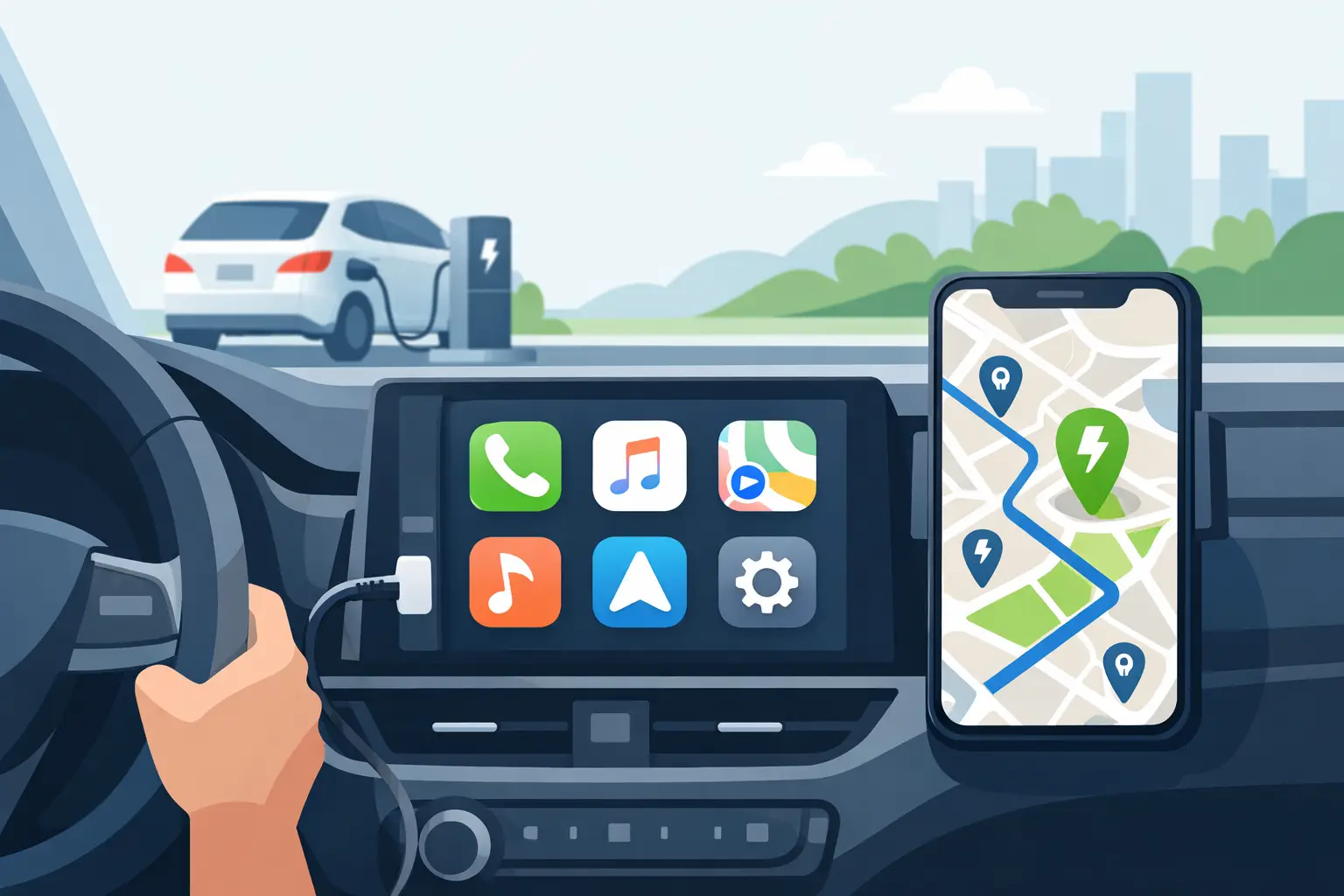
You notice the battery dropping faster than expected, tap into CarPlay, and suddenly the quality of your charger app matters a lot more than the marketing on its App Store page. A real CarPlay charger finder app review should answer one thing first: can this app help you find a usable, reasonably priced charger fast, without making you fight the interface while driving?
That is the standard that matters for EV drivers. Not how many loyalty prompts an app can push. Not how well it funnels you into one charging network. If you use iPhone and rely on CarPlay, the best charger finder app is the one that gets you to the right station with the fewest taps and the fewest bad surprises.
What a CarPlay charger finder app review should actually measure
Most app reviews get distracted by feature volume. That is the wrong lens here. In the car, extra features are often just extra friction.
A useful review should focus on four things: whether the app works cleanly on CarPlay, whether it shows chargers across multiple networks, whether pricing is understandable before you arrive, and whether it respects your time and privacy. Those are the practical tests that affect real charging decisions.
CarPlay adds another constraint. You are not sitting on the couch comparing filters. You are in motion, glancing at a screen built for short interactions. That means clutter, buried filters, and weak sorting logic hurt more in CarPlay than they do on a phone.
CarPlay charger finder app review: the features that matter most
The first make-or-break feature is cross-network discovery. If an app mostly pushes its own stations, it is not really helping you compare the market. It is helping a network fill stalls. That can work if you are loyal to one provider, but it is limiting if your goal is the nearest or cheapest option right now.
The second is distance-based sorting that stays obvious. In CarPlay, proximity is usually the first question. Drivers need to know what is closest without bouncing through menus or map layers that hide the answer.
The third is price visibility. This is where many charging apps still fall short. Public charging pricing is messy. Some stations bill by kilowatt-hour, some by time, some layer in session fees, and some make the price hard to find until you are already committed. A strong app turns inconsistent pricing data into something drivers can compare quickly. If it cannot do that, it is leaving out one of the most important parts of the decision.
The fourth is low friction. No forced account creation, no unnecessary setup, no pressure to hand over data just to search. For a finder app, that matters. A driver looking for nearby charging should not have to trade personal data for basic utility.
Where many EV charging apps fall short on CarPlay
The biggest problem is that many charging apps were not built as driver-first search tools. They were built by charging networks to support network operations, account management, payments, and customer retention. Search is there, but it is often not the main event.
That leads to familiar annoyances. You open the app and see one network well represented while competitors are harder to compare. You find a station, but pricing is vague. Or you can search on the phone, but the CarPlay version is stripped down in ways that make it less useful at the exact moment you need it.
There is also a trade-off with feature depth. A network-owned app may offer richer details for that network’s stations, including activation, account perks, or live session controls. If you already know where you want to charge and it is on that network, that can be useful. But if you are trying to compare options across networks, a single-network lens is the wrong tool.
A lot of apps also overdo map-first design. Maps are helpful, but while driving, a clean sorted list can be faster than scanning a crowded screen full of charger pins. The best CarPlay experiences understand that a driver often wants the closest few workable options, not a visual essay on every charger within 20 miles.
What separates a good CarPlay experience from a bad one
Good CarPlay design is blunt in the best way. It shows nearby stations quickly, keeps the tap path short, and avoids burying the most important information. You should be able to answer three questions almost immediately: how far is it, what does it cost, and is it worth the detour?
Bad CarPlay design makes you interpret too much. Tiny differences in station pins, weak labeling, and layers of network branding all get in the way. If an app requires too much visual parsing, it is not really designed for the road.
Sorting is another separator. An app that lets you sort by distance and price is more useful than one that forces a map browse flow. This sounds simple, but in practice it changes everything. Drivers do not need an app to look clever. They need it to reduce decision time.
Privacy is part of usability too. The more account gates, permissions, and background data expectations an app has, the less practical it feels when you are trying to solve a basic charging need. A privacy-first setup is not just a philosophical win. It removes friction.
How to judge pricing in a charger finder app
Pricing is where many reviews stay too vague, so it is worth being direct. If an app says a station is available but does not help you estimate charging cost in a usable way, that is a meaningful weakness.
The challenge is not always the app’s fault. Charging networks publish pricing with different formats and levels of clarity. Some stations have excellent pricing data. Others are inconsistent or incomplete. So the right standard is not perfect pricing coverage. The right standard is whether the app does a serious job of normalizing messy data into something comparable.
That is especially useful on road trips or for drivers who fast charge regularly. A small difference per kilowatt-hour adds up. Even when prices are only estimates, showing likely cost ranges is better than making drivers guess or open three separate network apps just to compare options.
Who should use a CarPlay charger finder app
If you mostly charge at home and only occasionally top up in public, you may not need much beyond a simple nearby search. For that driver, almost any decent CarPlay-compatible finder can work, provided it is quick and readable.
If you commute heavily, road trip often, or compare charging prices actively, the bar should be higher. You will benefit most from an app that aggregates multiple networks, emphasizes distance and cost, and avoids account friction. That is where a consumer-first app stands apart from a network-owned one.
New EV drivers also have more to gain than they might expect. Public charging has enough quirks already. An app that reduces the decision to nearest, cheapest, and compatible is easier to trust than one that assumes you already know every network’s pricing model and station layout.
The bottom line on this CarPlay charger finder app review
The best app for CarPlay is not the one with the longest feature list. It is the one that respects the context of driving. Fast search, clear distance, usable price information, broad network coverage, and low friction matter more than account perks or branded extras.
That is why the strongest options tend to look a little less flashy and a lot more practical. An app like WattsNear fits that logic well because it focuses on nearest and cheapest charger discovery across networks, without forcing account creation or building the experience around user tracking. For drivers who want speed, control, and a cleaner comparison view, that is the right priority.
If you are choosing a charger finder for CarPlay, be strict about one thing: the app should help you make a charging decision in seconds, not ask you to manage another ecosystem while your battery ticks down.